Product inquiries
All solutions

SOLUTION 02 · PRESS BRAKE CNC

Press brake CNC control system

Match programming complexity, controlled axes, operator workflow and information handover before confirming a press-brake CNC system.

Review control options

CONTROL SCOPE

A coordinated control system starts with the complete bending task.

A controller is part of a connected system: ram motion, backgauge axes, compensation, tooling, part programs and operator habits must work together. The most useful selection starts from the workpiece and production path, not a controller name alone.

  • Program, axis and machine-interface review
  • Sequence planning around real part geometry
  • Repeatability and correction workflow
  • Training, acceptance and controlled handover
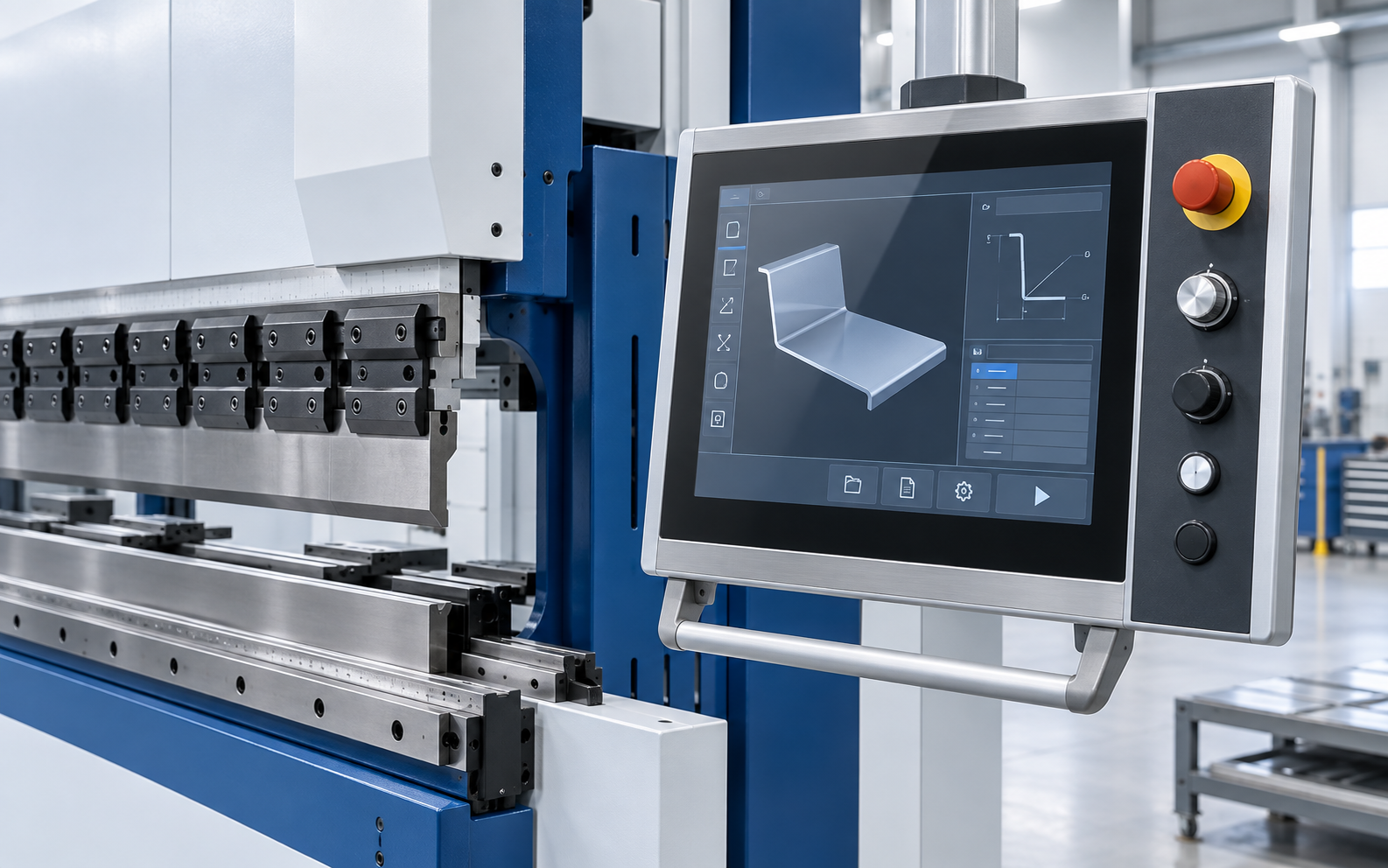
GWMT press brake and touchscreen control detail
Control selection is reviewed together with the configured machine and application.

CONNECTED WORKFLOW

One program has to connect the part, axes and operator.

Machine movement, gauge positioning, tooling information and correction steps must be reviewed as one operating sequence. Start with representative parts, then confirm the controller and software functions in the machine proposal.

Explore control families
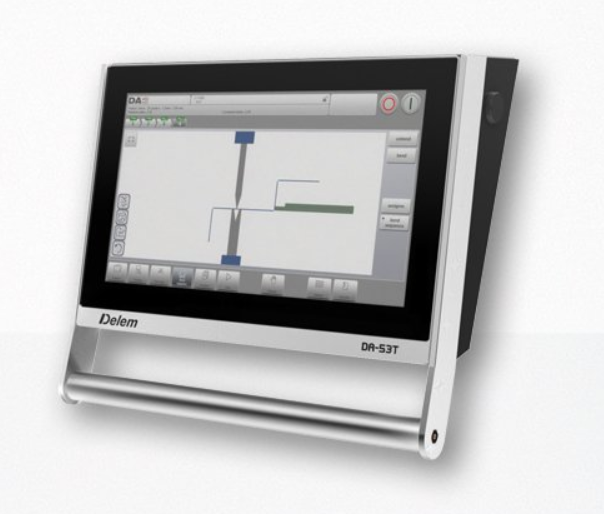
Delem DA-53T controller from a WPD press-brake reference

CONTROL FAMILY REVIEW

Compare the operating approach before choosing the model.

These are selection references. Final controller brand, model, software and interfaces are confirmed in the GWMT technical proposal.

Delem CNC control panel mounted on a GWMT press brake

GRAPHICAL CNC

Graphical programming for configured press brakes.

A Delem package can be reviewed when operators need a clear touchscreen workflow for repeat bending, graphical part preparation, and coordinated machine functions.

Reviewed models
DA-53TDA-58TDA-66SDA-69S

Typical review scope

  • Numerical and graphical program preparation
  • Review of crowning, axis and drive interfaces
  • Offline workflow scope confirmed by the chosen software package

Confirm before proposal

  • Required machine axes and valve/drive interfaces
  • Operator workflow, repeat work and program handover
  • Licensed functions and local service requirements

SELECTION CONVERSATION

Compare the controller families in their production context.

Selection inputDelemCybelecESTUNLaimore
Reference modelsDA-53T / DA-58T / DA-66S / DA-69SCybTouch 8PS / 12PSE310PS / TP10SMT15 / EL21S
Programming reviewGraphical part preparationTouch-driven bend setupStructured job parametersOperator-led part input
Machine integration reviewRam, gauge and crowning interfacesBackgauge and correction workflowPlatform and drive interfacesConfigured WPA machine functions
Handover reviewProgram storage and licensed functionsTraining and data backupRepeat-job changeoverOperator training and saved jobs

This is a workflow comparison, not a specification or cross-machine compatibility chart. Final brand, model, axes, software and interface scope are proposal-specific.
CONTROLLER FAMILY DETAILS

Review the controller in its machine context.

The project images below are reference examples from GWMT press-brake pages. Each controller is assessed with the selected machine, axes, software and production workflow.

01

DELEM CONTROL FAMILY

Graphical control for the WPD reference.

Review the DA-53T together with ram motion, backgauge movement, crowning and the program workflow required by the selected WPD press brake.

Delem DA-53T control-system image from the WPD project reference

Delem · DA-53T / DA-58T / DA-66S / DA-69S

Graphical part and bending-program review

A WPD project reference for preparing bend programs and coordinating the machine functions specified in the proposal.

  • Confirm controlled axes and drive interfaces
  • Review part-program and correction workflow
  • Verify licensed options and operator training
02

CYBELEC CONTROL FAMILY

Touch workflow for repeat bending.

Compare the 8PS and 12PS references by the actual program steps, operator habits, axis scope and machine interfaces—not by screen size alone.

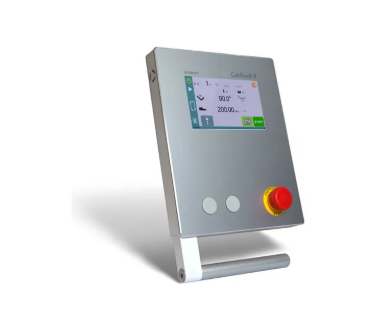
CybTouch 8PS controller reference image

Cybelec · CybTouch 8PS

Compact touch-led setup

A control reference for discussing daily bend input, backgauge setup and repeat work on a configured WPD machine.

  • Map the operator input sequence
  • Confirm axis and correction requirements
  • Check data backup and training scope
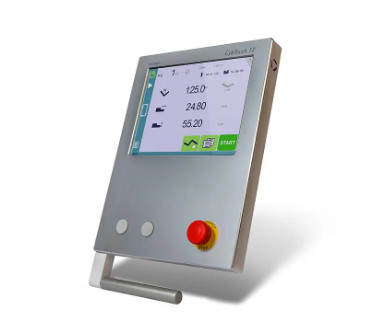
CybTouch 12PS controller reference image

Cybelec · CybTouch 12PS

Expanded visual work area

Review the larger touch workflow when part visualization and program handover need more on-screen context.

  • Review part-display expectations
  • Confirm approved software functions
  • Agree on program handover method
03

ESTUN CONTROL FAMILY

Production-oriented control choices.

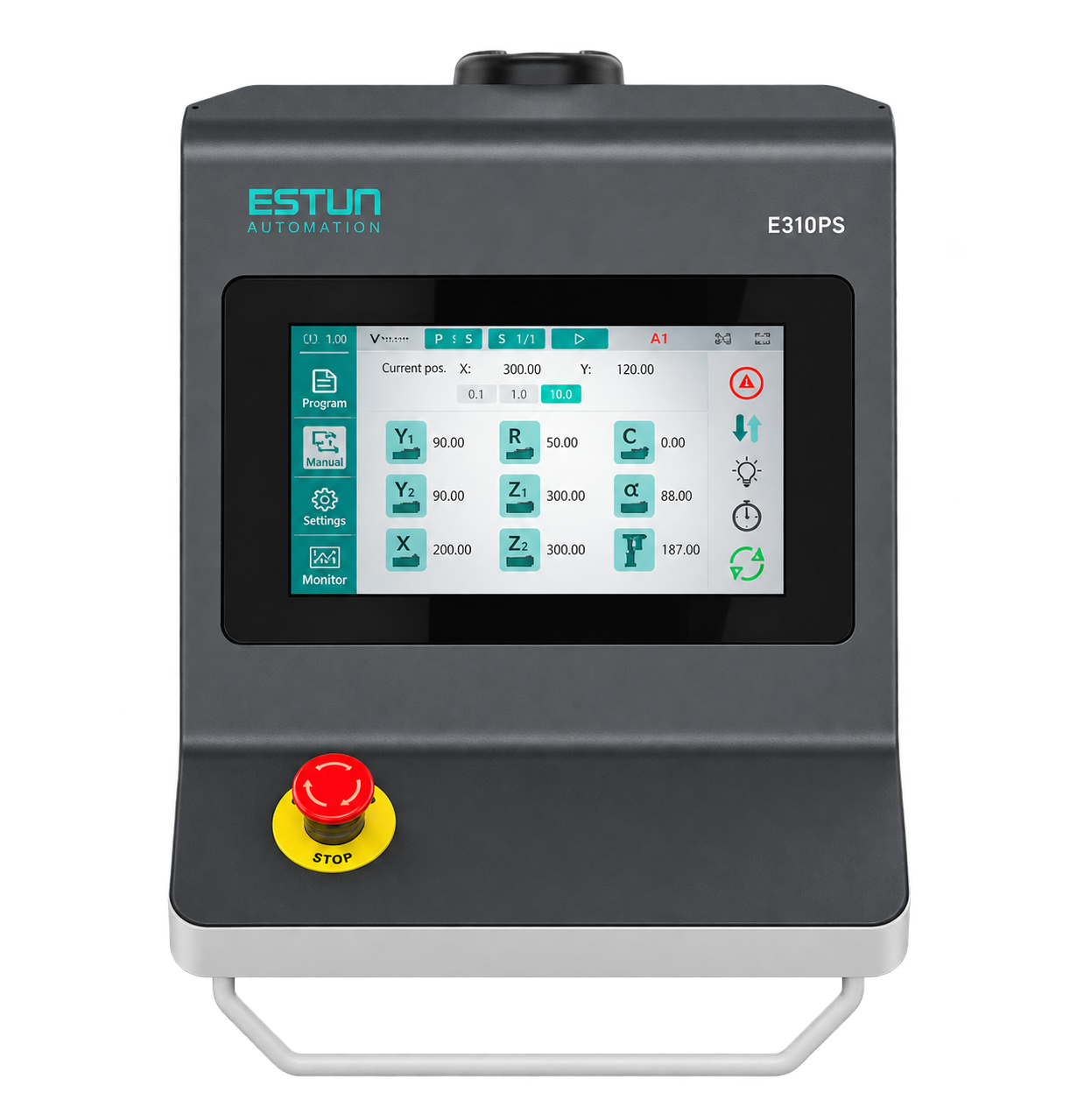
The E310PS and TP10S images are WC67K project references. Confirm the selected machine, control scope and enabled functions together.

ESTUN E310PS controller reference image

ESTUN · E310PS

Repeat-job parameter control

Discuss job data, gauge movement and operator setup for the chosen torsion-bar press-brake configuration.

  • Confirm machine and drive compatibility
  • Define repeat-production steps
  • Review acceptance and training
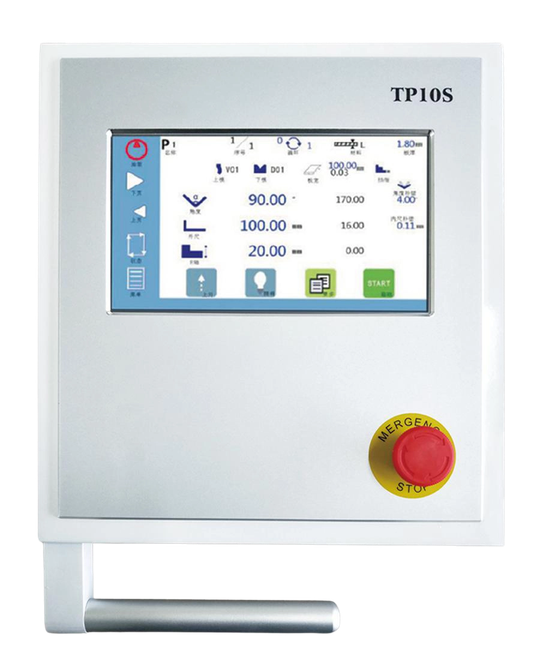
TP10S controller reference image

ESTUN · TP10S

Touchscreen bending workflow

Use the approved WC67K controller image to review screen workflow, bend sequence and the final control interface.

  • Check screen workflow and axes
  • Review program saving and corrections
  • Confirm the delivered software scope
04

LAIMORE CONTROL FAMILY

A practical interface for WPA projects.

MT15 and EL21S are WPA project references. Their placement here supports controller selection, not a promise that either is available on every press brake.

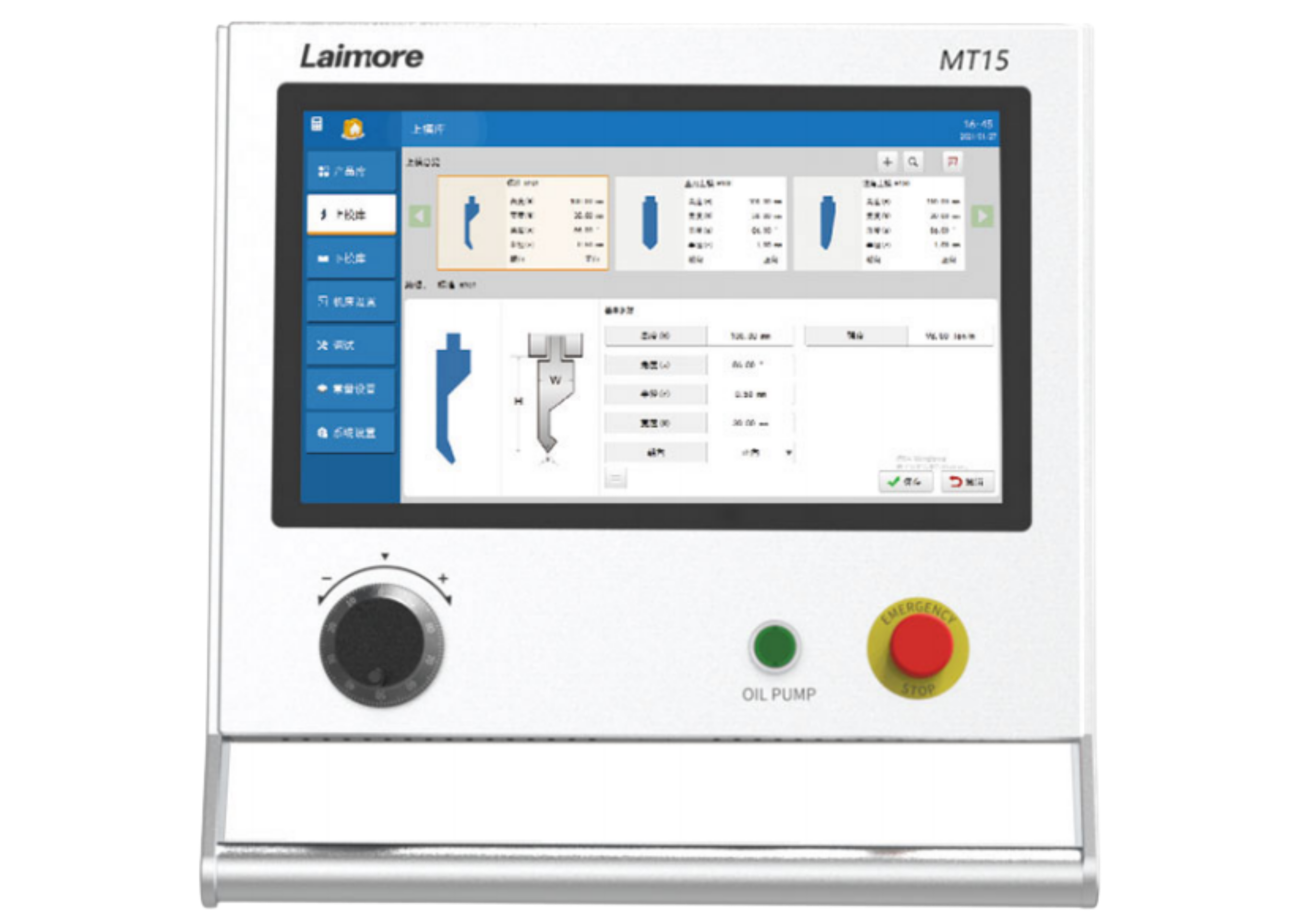
Laimore MT15 controller reference image

Laimore · MT15

Visual part setup

Review the MT15 screen workflow, bend preparation and operator steps against representative WPA workpieces.

  • Share representative part drawings
  • Confirm machine-axis and screen workflow
  • Plan training and program handover
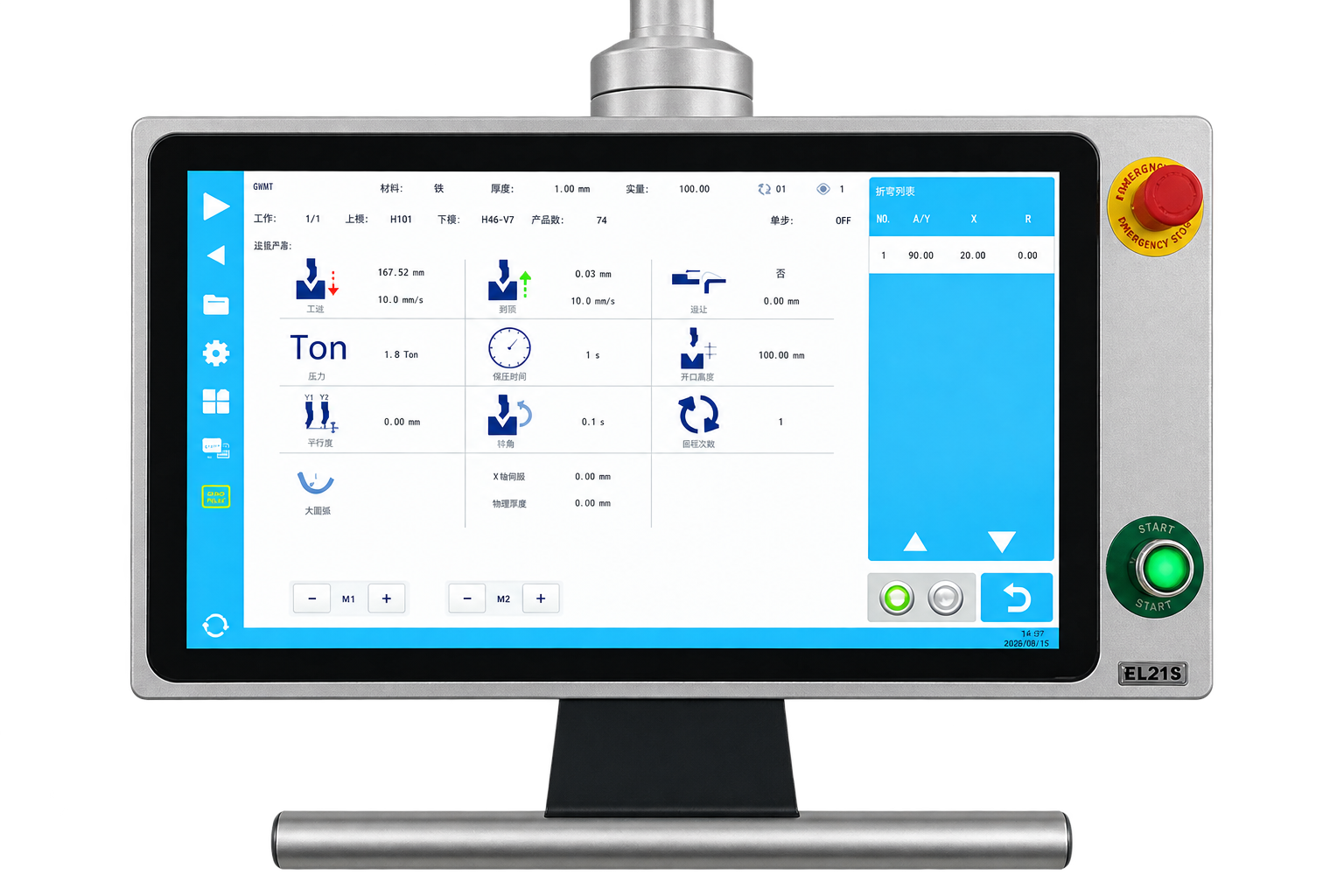
Laimore EL21S controller reference image

Laimore · EL21S

Everyday bending control

Assess the EL21S against required job input, repeat work and the control scope proposed for the WPA platform.

  • Review required job parameters
  • Confirm controller and machine interfaces
  • Record final enabled functions

PROJECT INPUTS

Bring the machine, the part and the operating workflow into one review.

Send the existing controller and machine information, required axes, representative drawings, tooling constraints and production targets. GWMT will use those inputs to prepare a compatible control-system discussion.